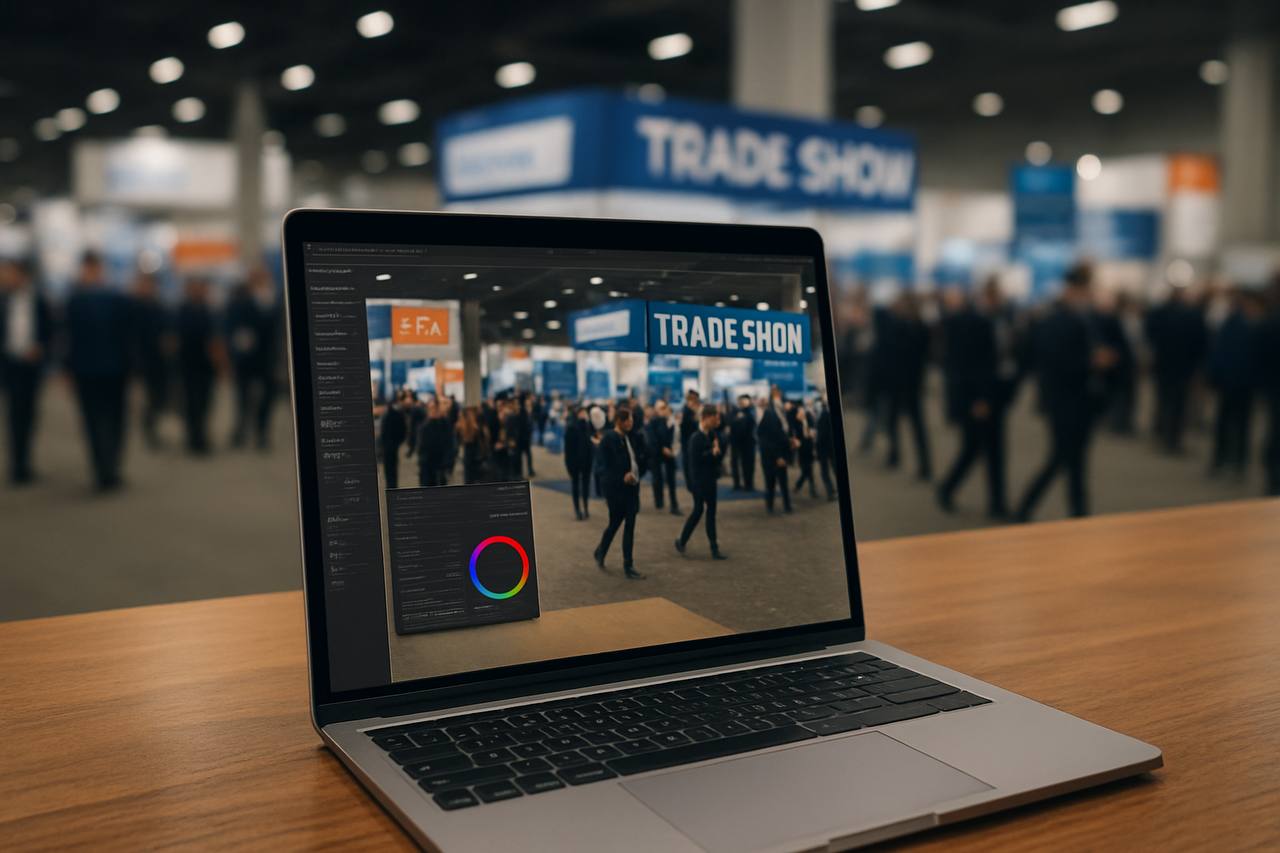

Challenges, White Balance & Pro Solutions
Lighting plays a crucial role in trade show photography, shaping how your products and booth appear to visitors and cameras alike.
However, exhibition halls often mix various light sources, from fluorescent tubes to daylight spilling through windows, creating complex color and exposure challenges.
In this article, I’ll explore the main lighting problems at trade shows and the best professional solutions to ensure your photos look vibrant, accurate, and professional.

2. Fluorescent and Artificial Light: The Hidden Color Casts
Recognizing Fluorescent Light Issues
Fluorescent bulbs are common in exhibition halls for their efficiency, but they produce light with low color rendering index (CRI). This means colors may appear dull or inaccurate in your photos.
LED and Halogen Alternatives While LED and halogen lights provide stronger and warmer illumination, they can still introduce mixed color temperatures when combined with other light sources.
Each type must be managed to maintain consistent tones throughout the booth.

3. Balancing Natural Light and White Balance in Photography
When Daylight Enters the Scene
Natural light from windows or skylights changes throughout the day, shifting from cool morning tones to warmer afternoon hues. These fluctuations can clash with artificial lighting, requiring dynamic adjustments.
White Balance Tips for Trade Show Photography To achieve accurate colors:
• Use Custom White Balance: Manually set your camera’s white balance for each lighting zone.
• Shoot in RAW: This allows full control of color correction during post-production.
• Use Gray Cards: Calibrate colors by referencing a neutral tone in your images.
• Avoid Auto White Balance (AWB): It struggles with multiple color temperatures.

4. Pro Solutions for Perfect Lighting in Exhibition Photography
1. Bring Portable Continuous Lights
Using LED panels or softboxes
With adjustable color temperatures (3200K–5600K) helps you balance against ambient lighting.
2. Use Color Correction Gels
Apply CTO (Color Temperature Orange) or CTB (Color Temperature Blue) gels to harmonize different light sources.
3. Control Ambient Light When Possible
Ask exhibitors to dim overhead lights or position your subject away from strong fluorescent zones for better consistency.
4. Post-Processing Color Correction
Software like Adobe Lightroom or Capture One allows precise control over color tones, shadows, and highlights to remove unwanted color casts.